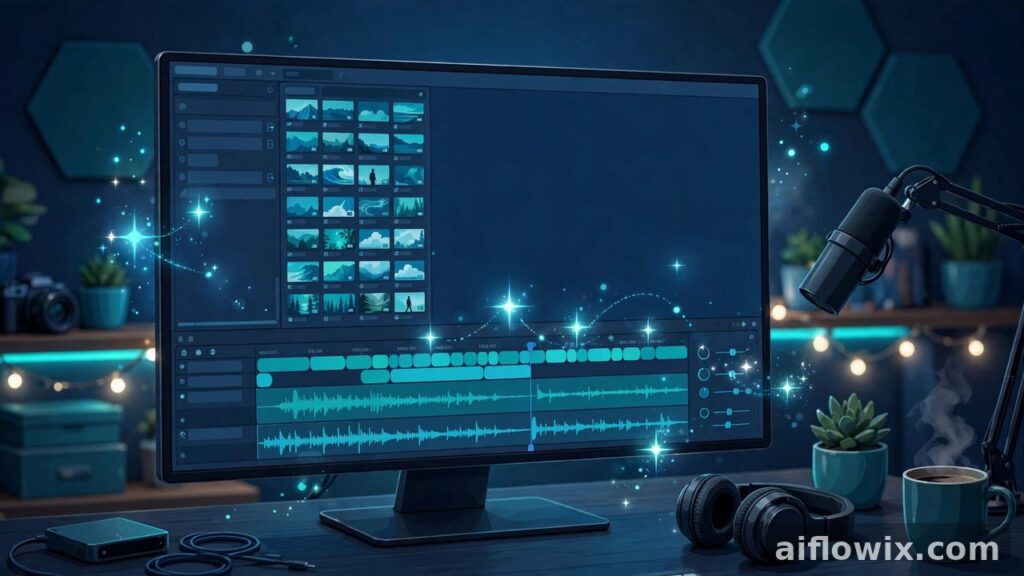
Every video hides hours of boring work. Cutting silences. Fixing captions line by line. Scrolling through folders hunting for one clip. Filmora 16 — Wondershare’s new release from October 9, 2026 — hands those dull jobs to AI video editing tools, and leaves the final cut to you.
What Happened
Wondershare has put out Filmora 16, and honestly, the pitch is refreshing. No big talk about “AI that edits for you.” Just this: the software does the repetitive grind, you make the creative calls.
In case Filmora is new to you — it’s the editor that beginners actually stick with. Students cutting their first YouTube videos. Freelancers editing on a tight budget. Small creators who opened Premiere Pro once and closed it again. It’s cheaper than the heavy professional editors, easier to learn, and version 16 adds an AI layer on top that works like a very fast assistant.
Then on October 13, Wondershare laid out the details, in their official announcement. Media sorting. Caption fixes. Subject tracking. Color cleanup. Dead-air hunting. All AI-powered — and all of it stays editable. Nothing locks in until you say so.
AI Media Analysis: Stop Digging Through Clips

Quick question: what actually eats your editing time? Most editors will tell you it’s not the creative part. It’s the digging. Fifty unsorted clips, and you need three seconds from clip number thirty-seven.
That’s the exact pain AI Media Analysis goes after. Import your footage, and Filmora 16 starts tagging it — keywords, ratings, even little editing suggestions. You shoot a vlog, dump everything in, and by the time you’ve made chai, the mess is already half-organized. Less scrolling. More cutting.
Smart Captions: Speech to Text, Then Fixes
Here’s something beginners underestimate: captions. A huge chunk of viewers watches on mute. And platforms? They quietly push captioned videos higher. So you need captions — but typing them manually is pure misery.
Filmora already converted speech to text. What’s new is Smart Text Correction sitting on top of it. The AI reads through the generated captions and flags what’s probably wrong — strange spellings, brand names, slang it guessed badly. You scan the suggestions, keep the good ones, fix the rest yourself.
Think of it this way: the worst part of captioning was never the thinking. It was the first slow pass through every single line. That’s the part that’s gone now.
Camera Tracking: Follow Subjects Without Keyframes
Remember the old method? Spot your moving subject. Drop keyframes. Frame. By. Frame. Miss one and the whole shot wobbles like it’s seasick.
Filmora 16 skips all that. Point at what you want followed — a person, a product, a football — and the software tracks it frame by frame on its own. Your job shrinks to the fun part: framing the shot nicely.
Where does this shine? Talking-head videos. Product reviews. Sports clips. Basically any shot where something moves and the camera ought to follow. You compose; the software does the donkey work.
Silence Detection: Cut Dead Air Fast
If you’ve ever edited a podcast, you know this feeling in your bones. Forty minutes recorded. Two hours deleting “umm,” long pauses, and that weird silence where everyone forgot who talks next. Vloggers and interviewers live the same nightmare.
Silence Detection just scans the audio and marks the quiet bits for you. There are two simple controls — how loud something must be to count as sound, and how long a pause must last before it gets flagged. Then you look at the marks and delete whatever you don’t want.
Why does this matter so much? Because short video lives or dies on pacing. Viewers don’t wait through dead air; they swipe. A tool that finds it in seconds can easily save you an hour on every single video.
Auto Color and 360° Reframing: Small Helpers
A couple of smaller additions deserve a mention too. Auto Color fixes your footage’s colors in one click — and you get a strength slider plus a before/after view, so you can see precisely what it did. Perfect for those clips you shot in terrible lighting and hoped nobody would notice.
There’s also 360° Video Reframing for turning wide 360 footage into regular flat video, and a Color Mask tool when you want precise control over colors. Admittedly niche. But if you film with an action camera or a drone, these two will earn their place fast.
AI Assists, You Decide
Can I be honest? This is my favorite thing about the release. Wondershare could have sold “AI edits your video while you sleep.” They didn’t. Their line is the opposite: the AI prepares, you decide.
And they’re right to draw it there. The story is yours. The pacing, the clip choices, the framing, what a caption is supposed to mean — no software should touch those. What the AI handles is the groundwork: sorted clips, corrected captions, tracked subjects, flagged silences. You build on top of that.
Full auto-editing sounds magical until it cuts your best joke half a second early. Or deletes a pause you kept deliberately for effect. With Filmora 16, anything the AI touches can be undone. That safety net changes everything.
Why It Matters for Students and Freelancers
Let’s talk money — or rather, time, which for students and freelancers is the same thing. If editing takes you six hours per video, you post once a week. Cut that to three, and suddenly you’re posting twice. For a freelancer, that’s literally double the clients.
Filmora was already priced for people starting out — a fraction of the big suites. Now it’s shipping AI helpers that, until recently, only lived inside expensive pro tools. The gap between “kid with a laptop” and “small studio” keeps shrinking.
And short-form creators? They might gain the most. Silence detection plus smart captions attack the two slowest parts of making Shorts, Reels, and TikToks. Post every day and you’re looking at hours saved weekly. Oh — and if you’re collecting AI video tools for your workflow, this one pairs nicely with the rest.
Final Word
So no, Filmora 16 isn’t some flashy reinvention of editing. It’s something better: a practical update that attacks the boring parts — the sorting, the caption-checking, the keyframing, the pause-hunting — and actually wins.
Four tools, one promise: your time back. If you already use Filmora, update it and test the new features on a real project, not a demo file. And if the big editors always scared you off? This might be your moment to jump in.