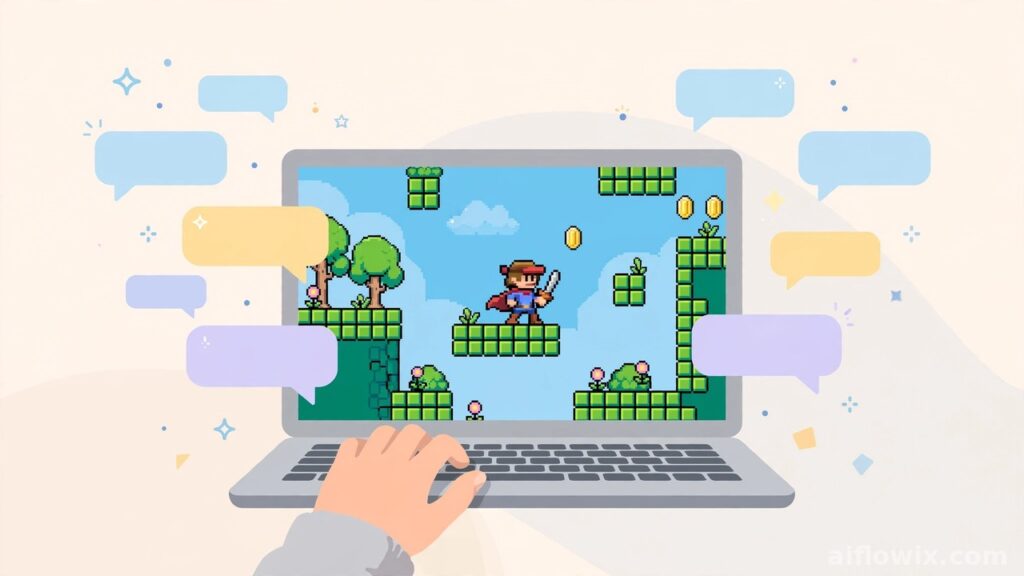
Google Launches Playground: Build Playable Games With Text Prompts — No Coding Needed
Summary: On October 7, Google launched something fun: Google Playground AI game maker. You describe a game in plain words, and AI builds it into a real, playable video game. No coding. Built with Unity. Free to try, with weekly limits on how much you can create.
I will be honest: most AI launches this year have felt like more of the same. Another chatbot, another upgrade, another “biggest model ever.” Playground is different. It is the kind of launch that makes you stop and think — wait, anyone can do this now?
What happened
On October 7, 2026, Google announced Playground, a Google Labs experiment that turns plain text into playable video games. The pitch, in Google’s own words: “If you can think it, you can play it.”
The partner here matters. Google built Playground with Unity Software, the company whose game engine sits behind Among Us and Pokemon Go. That is a serious game company, not some side project, which tells you Google is not treating this as a toy demo.
You can read the full launch report at 9to5Google.
Put simply, Google Playground AI game maker is built for people who have never written a line of code. So how does it actually work? That is the fun part.
How the Google Playground AI game maker works
Everything happens in a chat box. You describe the game you want in your own words, the way you would explain it to a friend. For example: “Make a 2D racing game where the car jumps over gaps and collects stars.”
The AI builds a working game from that description. Then you just keep talking. If the physics feel too slow, say so. Want different rules, new characters, a whole new look? Just tell it. The whole session stays inside the chat, and you stay in charge of every decision.
Google also gives you starter prompts to remix if you are stuck, plus a guided mode that walks you through the process step by step. When the game looks right, you hit test and play it immediately — right in the browser, on your phone or laptop. There is nothing to download or install.

The AI models behind it
Three Google AI models are doing the heavy lifting together here. Gemini handles the conversation and the overall build, Nano Banana draws the images, and Lyria — Google DeepMind’s music model — creates the sound.
Google also mentions a “custom harness” wrapped around these models. That sounds technical, but the job is simple: keep the game logic running while you keep changing things in the chat. And that matters more than it sounds, because making a game is genuinely harder than making a picture. A picture just sits there. A game has to remember the rules, the physics, the score, and what the player just did — all at once, without breaking.
What is free and what is limited
Let us talk money, because that is where it gets interesting.
Playing games on Playground costs nothing. Building them is free too, but only up to a point — you get a limited number of creation tokens per week. Google One AI subscribers get a bigger allowance and can build more games.
Then there are two limits you should know about before you get excited. First, Playground is only open in the US right now. Second, it is adults only — 18 and up. Google has not announced when it will open up to other countries, so if you are reading this from Pakistan or anywhere else, you will have to wait. And since this is still an experiment, expect the rules to shift as Google collects feedback.
Unity Spark: the bigger version coming soon
Here is what most people missed in the launch news: Playground is only the warm-up act.
Later this year, Google and Unity plan to release Unity Spark, which sounds like Playground’s bigger, more serious sibling. We are talking professional-level game mechanics, proper 3D graphics, and the full Unity runtime. It will also plug straight into the Unity Asset Store, where creators can use thousands of artist-made characters, sounds, and 3D models built by the Unity community.
What I found interesting is what Unity’s CEO said at the launch. Matt Bromberg basically said the goal is not to let people copy an old game with one prompt. The point, in his view, is to help ordinary people create real, unique interactive experiences — things actually worth polishing and sharing. That is a much bigger ambition than “type a prompt, get a game.”
Sharing and playing with others
There is a social layer here too, and honestly that is half the product.
Once you build a game, you have three choices: keep it private, send it to friends with a link, or publish it to the Playground Explore gallery where anyone can find it. Some games even support multiplayer and in-game leaderboards. If you connect a Play Games profile, you can grab a custom handle, like other creators’ games, follow the ones you enjoy, and climb the rankings.
One safety note worth mentioning: published games go through Google’s community-guideline screening, and users can report anything that breaks the rules. Good to know before you publish anything.

Why it matters for freelancers
So why should a freelancer care about a game-making toy?
Because this is a service you could learn this week and start selling next week. Small playable games are already something clients pay for — in ads, on websites, in social media campaigns. Work that used to need weeks of coding can now take an afternoon.
Here is what I would do: build one sample game first, something simple and fun. Then offer “custom mini-games for your brand” on a freelancing platform, and send clients the link. Let them play it before they pay. A working demo sells better than any pitch deck you could write.
And even if you never sell a single game, the core skill still transfers. Learning to describe ideas clearly enough that AI builds them is the same skill behind AI video, AI image, and AI app tools. Learn it here, use it everywhere.
Why it matters for students
For students, this opens a door that used to be locked behind coding classes.
Game design used to demand real programming skills. Not anymore. Now you can test game ideas with plain words, which makes it perfect for class projects, portfolio pieces, or just learning how games actually work from the inside.
Build a quiz game for your class. Make a small racing game for a school event. Along the way you will pick up prompt design, game logic, and how to present and share your work — real skills that employers in the AI space are actively looking for.
Things to keep in mind
A quick reality check, because the hype can run ahead of the facts. Playground is not going to build you the next AAA blockbuster. It makes small, fun games, and that is exactly what it was designed for.
It is also US-only for now and adults only, which cuts out a lot of readers of this site for the moment. Google has not said when it will open up to other countries. And since this is an experiment, Google could change features or limits at any time without much warning.
The bottom line
Look, Google Playground AI game maker is simply one of the most fun AI launches of October 2026. It takes the hardest part of making games — the code — and replaces it with a conversation. If you can access it, build one small game and share the link. The people who learn tools like this first are usually the ones who turn them into income first. That pattern has repeated with every AI tool so far, and I do not see why this one would be different.
For more free tools to learn, see our list of free AI tools for students. If you want to turn AI skills into income, read our best AI tools for freelancers guide.