Summary
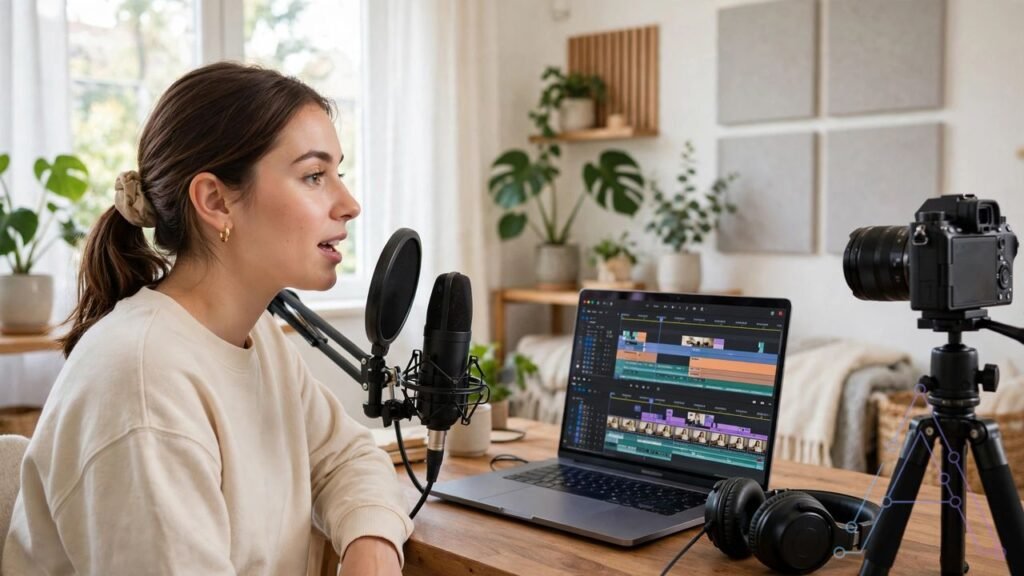
Riverside launched four AI agents on October 26, 2026. They work as a small production team for video and podcast creators. One agent preps the recording. One edits. One cuts clips. One writes captions and publishes. The goal is simple: one person can now do work that used to need a whole team.
What Happened
Riverside is a tool for recording video and podcasts. Many creators use it to record guests from far away. On October 26, 2026, the company launched Riverside Agents. It calls them the first AI production team built only for video.
The agents roll out on web and iOS. They work inside Riverside. You do not need a second app to use them. They use the same tools you already use to record, edit, and publish.
Riverside says AI used to help with small parts of the job. It wrote one caption. It cut one clip. But the full job still sat on the creator. The creator had to plan each step. The creator had to move work from one step to the next. These four agents aim to take over that full chain.
Meet the Four Agents
The Producer
The Producer preps your session before you hit record. It also supports you while you record. Think of it as the person who makes sure you are ready. You bring the ideas and the guests. The Producer handles the prep work around them.
The Editor
The Editor builds an editing plan for the full episode. Then it works through the plan with you. You do not start from a blank screen. You start from a first plan. You change what you want to change. Then you finish the edit with the agent.
The Clipper
The Clipper finds the moments worth sharing. It preps them for social media. Short clips drive most new viewers today. A good clip can bring people to the full show. The Clipper does that search for you. It picks moments and gets them ready to post.
The Marketer
The Marketer writes your captions and show notes. Then it publishes or schedules your episodes and clips. This is the last step most creators skip. They finish the video and feel tired. The Marketer closes that gap. Your show goes out on time, with words that fit it.
How It Works in Real Life
Picture a solo creator. She records one video podcast each week. Before this launch, her week looked like this. She prepped notes. She recorded. She edited for hours. She hunted for clip moments. She wrote captions late at night. She posted when she had time left.
With Riverside Agents, the chain changes. The Producer preps the session. She records. The Editor drafts the edit plan. The Clipper pulls out short clips. The Marketer writes captions and schedules posts. She still checks each step. But she does not start each step from zero.
Riverside says the results come back for review. That point matters. You stay in charge. You approve the edit plan. You pick the clips you like. You fix captions that sound wrong. The agents do the heavy work. You make the final calls.
Why It Matters for Freelancers
Freelancers sell time. Every hour spent on edit work is an hour not spent on paid client work. A tool that cuts edit time can raise income in two ways. You finish client shows faster. You can also take on one more client each month.
Video editors and social media managers can use the agents too. They can draft a first edit fast. Then they can spend their skill on the parts that need a human eye. They can fix pacing. They can fix tone. They can pick the clip that fits the client brand.
Small teams gain the most. A team of two can now ship like a team of five. The Producer, Editor, Clipper, and Marketer cover four roles. The humans cover taste, story, and client trust. No machine can fake those three things for long.

Why It Matters for Students
Students often run a channel with no budget. They also study, work part time, and sleep little. A full production team is out of reach for them. These agents give them a small taste of that team inside one tool.
A student podcaster can record once a week. The Clipper can turn that one recording into short clips for TikTok, Reels, and Shorts. Short clips are how small channels grow. One good week of clips can bring more viewers than one good episode alone. Our guide to faceless YouTube videos with AI tools shows how short clips fit a full channel plan.
The Marketer helps with a second student problem: writing. Show notes and captions take time. They also help new viewers find the show. The agent drafts them. The student edits them in plain words that fit their voice.
Riverside CEO Nadav Keyson put the core idea in one line: “the things that make a show worth watching are the things only you can do.” Your questions, your guests, and your way of thinking draw the audience. The agents handle the production around that core.

What to Watch Before You Jump In
First, the agents live inside Riverside. You need a Riverside account to use them. If you record in a different tool, you cannot pull these agents into that tool.
Second, the launch post does not list a separate price for the Agents. Check the live pricing page before you pay. Prices for AI tools change fast. A post from launch week can go out of date in a month.
Third, review every result. AI edits can cut a line you wanted to keep. AI clips can pick a moment that misses your point. AI captions can sound flat. Spend ten minutes on checks. That check protects your show quality.
Fourth, the rollout covers web and iOS. If you use Android or a different device, check if the agents show up for you yet. Rollouts can reach users in waves.
How to Try It
Start with one episode, not five. Record as you normally do. Let the Producer prep the session. Let the Editor draft the plan. Pick two clips from the Clipper. Let the Marketer draft captions and show notes. Post the clips and watch what happens.
Track three numbers for two weeks. How many hours did you save? Which clips got views? Did show notes bring new viewers? If you need a free editor for the final cut, see our list of free video editing software with no watermark. If the hours saved beat the cost, keep the workflow. If not, drop the parts that did not help. Keep the parts that did.
Solo creators have waited for this kind of help. One tool for record, edit, clips, and publish is a real shift. The test now is simple. Does it save real hours for real creators? The next few weeks will tell.