Summary
ShopOS launched Sloosh.ai on October 23, 2026. The Sloosh AI launch brings an AI creative platform to creators and small businesses. It turns ideas, photos, and videos into product images, visual scenes, reels, and creator-style clips.
What Happened
ShopOS is an AI company from Bengaluru, India. It raised $20 million from 3STATE Ventures. That fund belongs to Binny Bansal, the co-founder of Flipkart.
Until now, ShopOS sold its creative engine only to big brands. The company worked with brands in India, the UAE, and the US. On October 23, it opened the same engine to everyone. The new platform is called Sloosh, and it lives at Sloosh.ai.
The company announced the Sloosh AI launch through Business Wire. News outlets in India picked it up the same day. Anyone in the world can sign up and use it now.
What Sloosh.ai Can Make
Sloosh is built for visual content. You feed it an idea, a photo, or a video. It gives you back finished creative work.
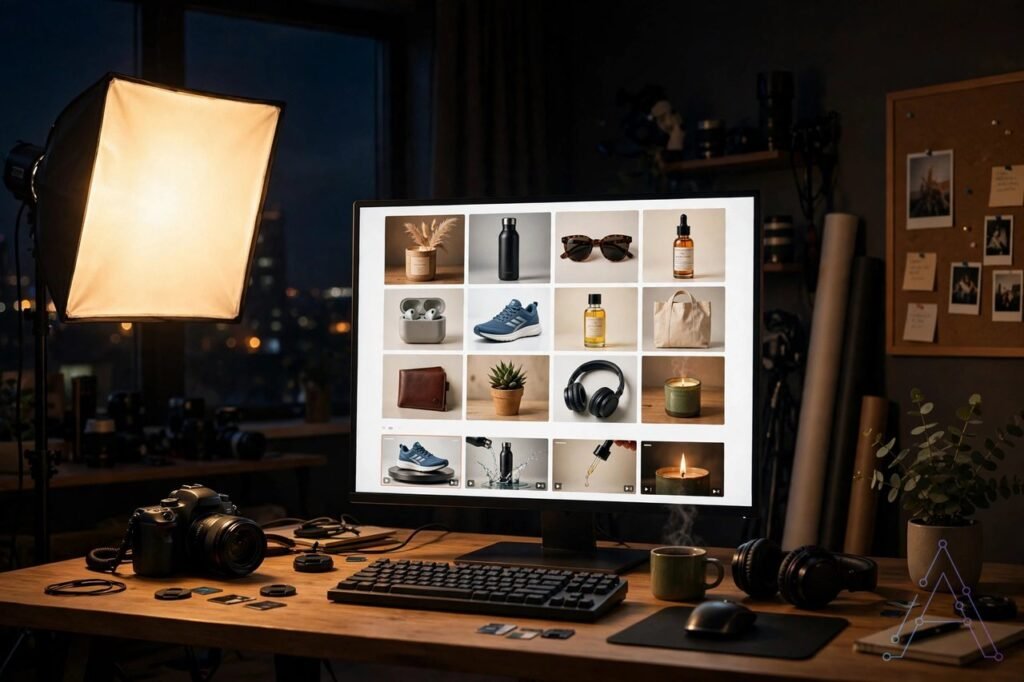
It can make four main types of content. We have also tested free AI video generator tools that do similar jobs, so you can compare. First, product imagery for online stores and ads. Second, visual scenes for campaigns and social posts. Third, short reels for Instagram and TikTok. Fourth, creator-style clips in your own look.
The key word in the announcement is “consistent.” Anyone can generate one nice image with AI today. But making 50 images that all look like they came from the same brand is hard. Colours shift. Fonts change. The style drifts. Sloosh is designed to fix exactly that problem.
Spaces: Workflows You Can Reuse
The most interesting part of Sloosh is called Spaces. A Space is a reusable creative workflow. It packs the steps, models, and settings behind one type of output.
Think of it this way. You set up a product-photo style once. Then you run the same Space with new products every week. You get the same look each time. You do not rebuild the prompt and the settings again and again.
Spaces can also run in batch mode. That means you can generate hundreds of images or videos at once. The results stay accurate and consistent across the whole batch.
This is the feature that separates Sloosh from a plain chatbot. A chatbot gives you one answer at a time. A Space gives you a repeatable production line.

Different Ways to Create
Sloosh gives you more than one way to work. The simplest way is Chat. You type an idea, drop in a prompt, or pick from hundreds of templates. The built-in agent figures out the best workflow and generates the output.
The second way is to run a Space directly. You pick a ready-made workflow for your use case and run it with your own inputs. Batch mode lives here too.
The third way is Spacelab. This is Sloosh’s visual editor. You can build your own Spaces in it and publish them. Other users can then run your Spaces. This turns Sloosh into a small community marketplace of workflows.
Sloosh also connects to outside tools. It works with ChatGPT, Claude, Gemini, and Cursor through something called Sloosh MCP. An Adobe After Effects plugin was part of the Sloosh AI launch. So video editors can bring Sloosh into the tools they already use.
Who Is It For
The launch announcement lists a wide audience. Agency teams and in-house brand teams. Founders and small businesses. Video editors, artists, filmmakers, and photographers. Independent creators of every size.
In plain words, it is for anyone who makes visual content for a living. A side business counts too. If you sell products online, this tool is aimed at you. The same goes for social page owners and client video makers.
Why It Matters for Freelancers and Students
This is where the news gets practical. Many freelancers sell product photos, ad creatives, and short videos to clients. Consistency is what clients pay for. A Space that holds your style across 100 creatives can save hours of manual fixes.
For students and new creators, the angle is cost. If you want to start with reels today, see our list of free AI video generators that need no watermark. Hiring a design team is expensive. Photo shoots are expensive. A tool that gives brand-ready output at a fraction of that cost lowers the barrier to start. The company uses the phrase “at a fraction of the cost” in its own announcement.
Batch mode matters too. A freelancer who needs 30 product images for a catalogue can generate them in one run. The same look, the same quality, no drifting style between image 3 and image 30.

A Few Things to Keep in Mind
Sloosh is brand new. The platform just launched, so real user reviews do not exist yet. Early tools often have rough edges. Test it with small jobs before you trust it with a paying client.
The company promises clear and transparent pricing. But the exact prices were not in the launch announcement. Check Sloosh.ai for the current plans before you commit.
Also note that AI-generated content has limits. Check the terms before you use the images in paid ads. And always review the output. AI can still get hands, text, and small details wrong.
The Bottom Line on the Sloosh AI Launch
Sloosh.ai is a fresh launch worth watching. ShopOS took the AI creative engine it built for global brands and opened it to everyone. The Spaces feature is the real story here. Reusable workflows and batch generation solve the consistency problem that frustrates most AI image and video tools.
For creators, freelancers, and students, the promise is simple. Professional-looking visuals, in your style, at a speed and cost that a one-person team can afford. Try the free side first, build one Space, and see if the quality holds up. That first test will tell you more than any announcement.